SwingDoctorAI
iOS tennis coach with on-device computer vision
An iPhone app that watches you play and coaches your technique out loud between swings. Video is analyzed on the phone and never uploaded. Now in beta testing.
- Role
- Solo developer
- When
- 2026
- Status
- In beta
- Built with
- Swift, SwiftUI, Core ML, RF-DETR, Meta Wearables DAT, Sign in with Apple, iCloud, Swift Testing
How it works
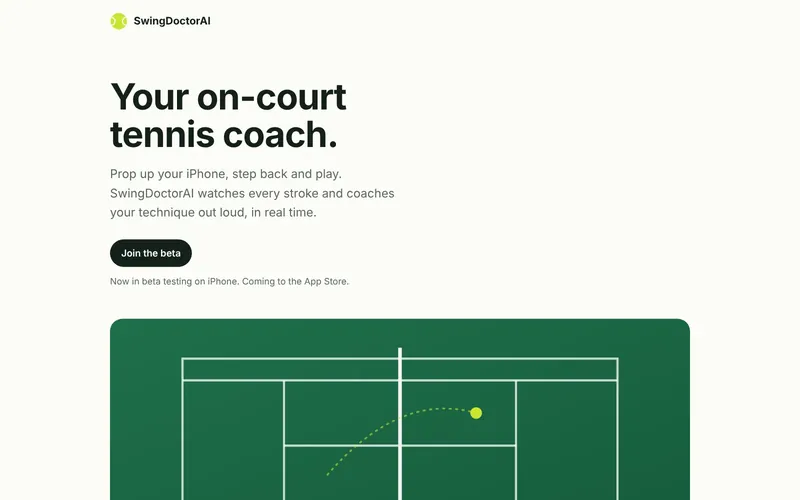
Prop the phone against the fence, pick Practice or Match, and play. The app finds you, counts your swings, and speaks short tips on stance, turn, contact point and recovery. After the session it writes a report and updates your skill level.
A second mode runs on Meta AI glasses. The camera is on your head, so it sees your opponent instead of you, and the same detectors are read as tactics: where they are, how they swing, and where to hit next.
Vision pipeline
- Each frame is copied, downscaled and run through a Core ML export of RF-DETR that detects the ball, rackets and people.
- A tracking stage keeps identity and motion across frames. If others are on court, raising a hand once tells the app which player is you.
- Separate read layers turn the same measurements into self-coaching or tactical statements, so both camera modes share one detector stack.
- Thermal, battery and Low Power Mode monitoring throttles the pipeline before the phone does.
Decisions worth noting
- I replaced an AGPL-licensed YOLO model with Apache-2.0 RF-DETR before launch, so no copyleft code ships in a closed-source app.
- I wrote up a freeze-on-toggle bug as a buffer-ownership rule set, so the next camera feature doesn't reintroduce it.
- Privacy by default: no account required, no ads, no tracking. Sign in with Apple only turns on iCloud sync of your own history.
Getting the glasses to talk
Meta's Wearables Device Access Toolkit is new. The first wall was a session that refused to start with "Device unavailable" even though the glasses were paired. The fix was not in the app at all: the developer tools had to be installed on the glasses themselves.